TonePeak: louder, clearer video sound on iPhone
TonePeak is an iPhone app that makes the sound of a video you already recorded louder and clearer. Pick a video, choose a style or adjust the EQ, noise reduction, compression and reverb yourself, compare before and after, and save a new copy to Photos. The picture is not re-encoded. You pay once, and there is no subscription.
By Andrei-Robert Biro, Hormesis Labs · Updated 19 November 2026 · Version 1.0
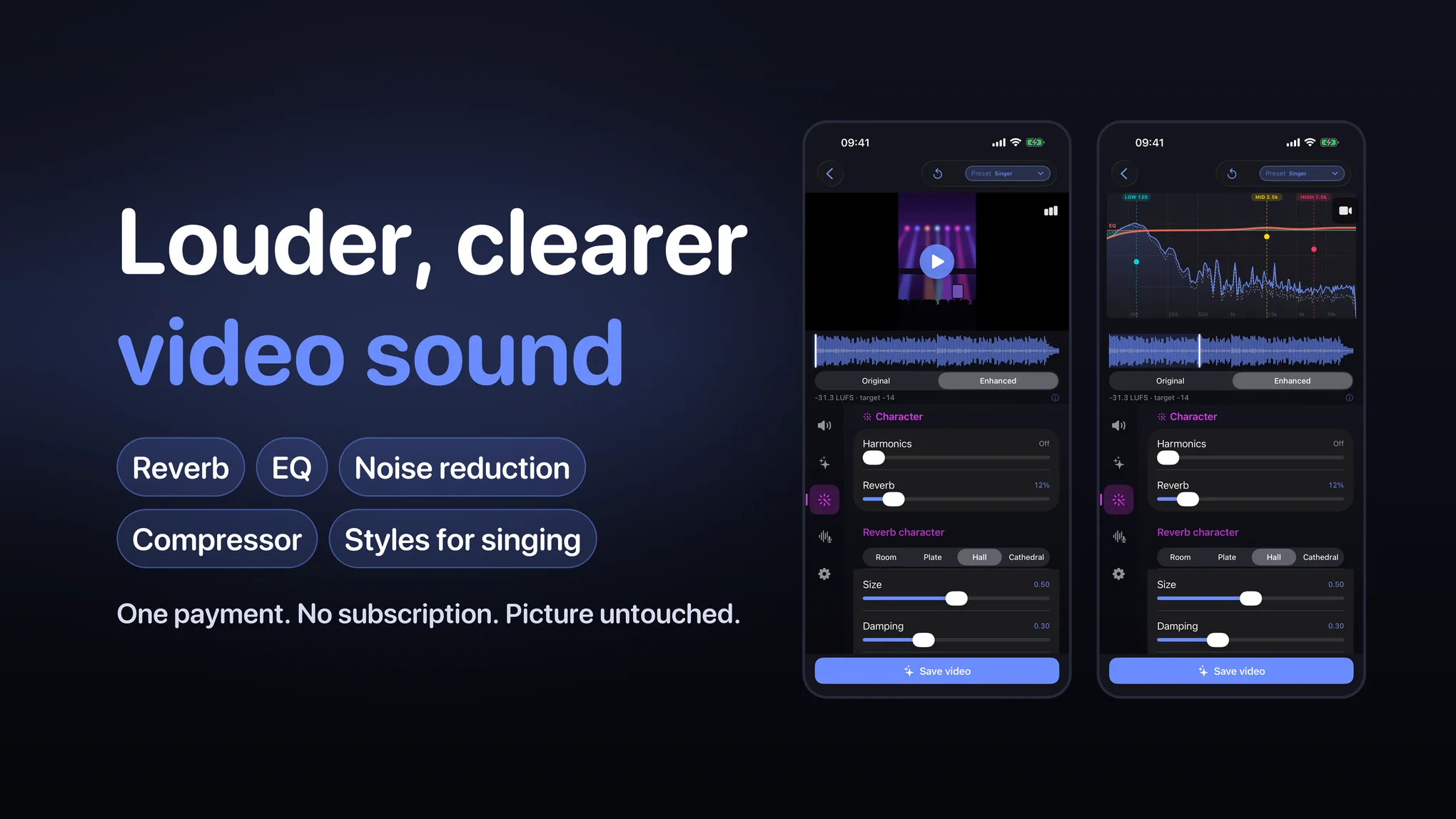
What TonePeak does
- One payment, no subscription. Preview as much as you like and export 3 videos before you pay. Then a single $19.99 purchase (US price) unlocks unlimited exports.
- The picture stays untouched. Only the audio is processed. The video stream is copied, not re-compressed.
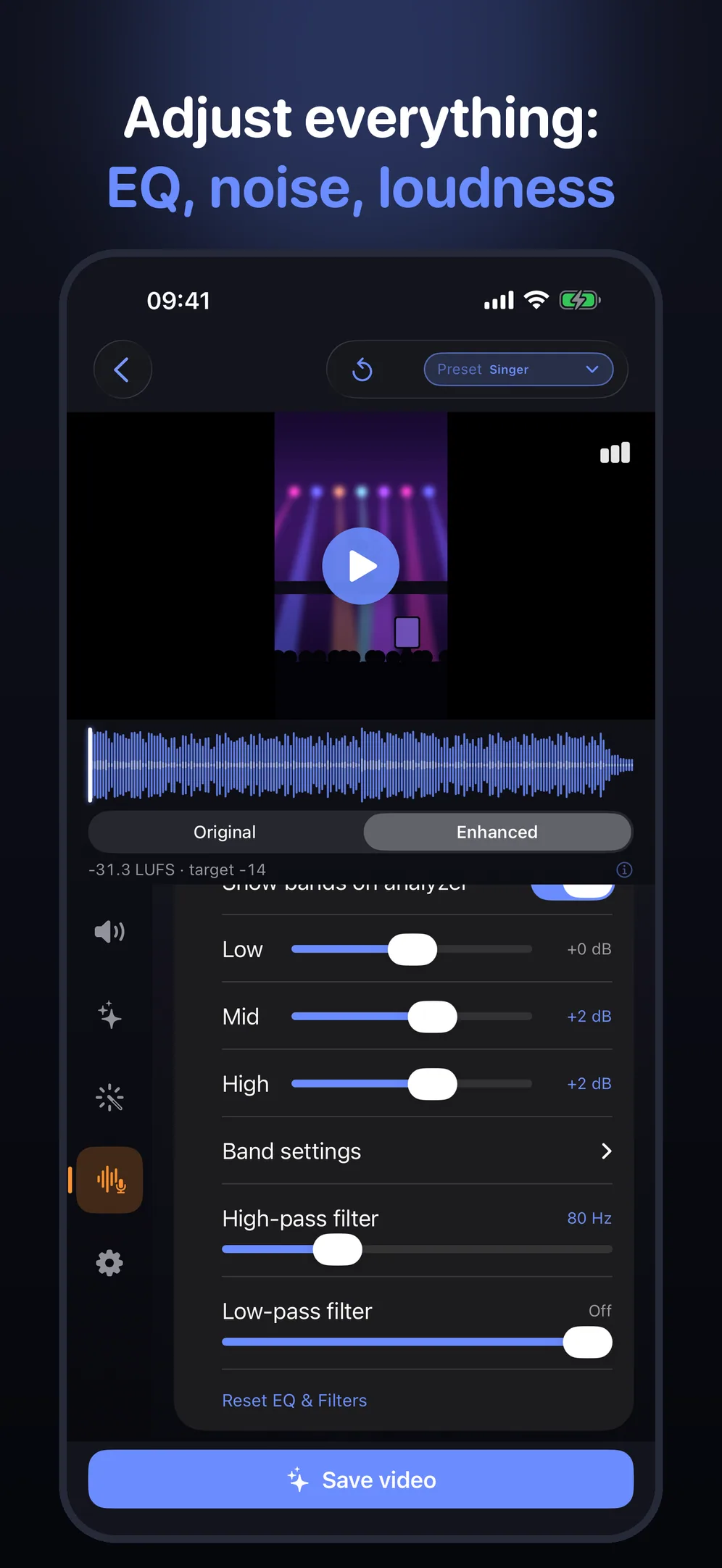
- EQ, noise and loudness, in real units. Low, mid and high EQ in dB, filters in Hz, a noise-reduction slider, and a loudness target in LUFS with a true-peak ceiling in dBTP.
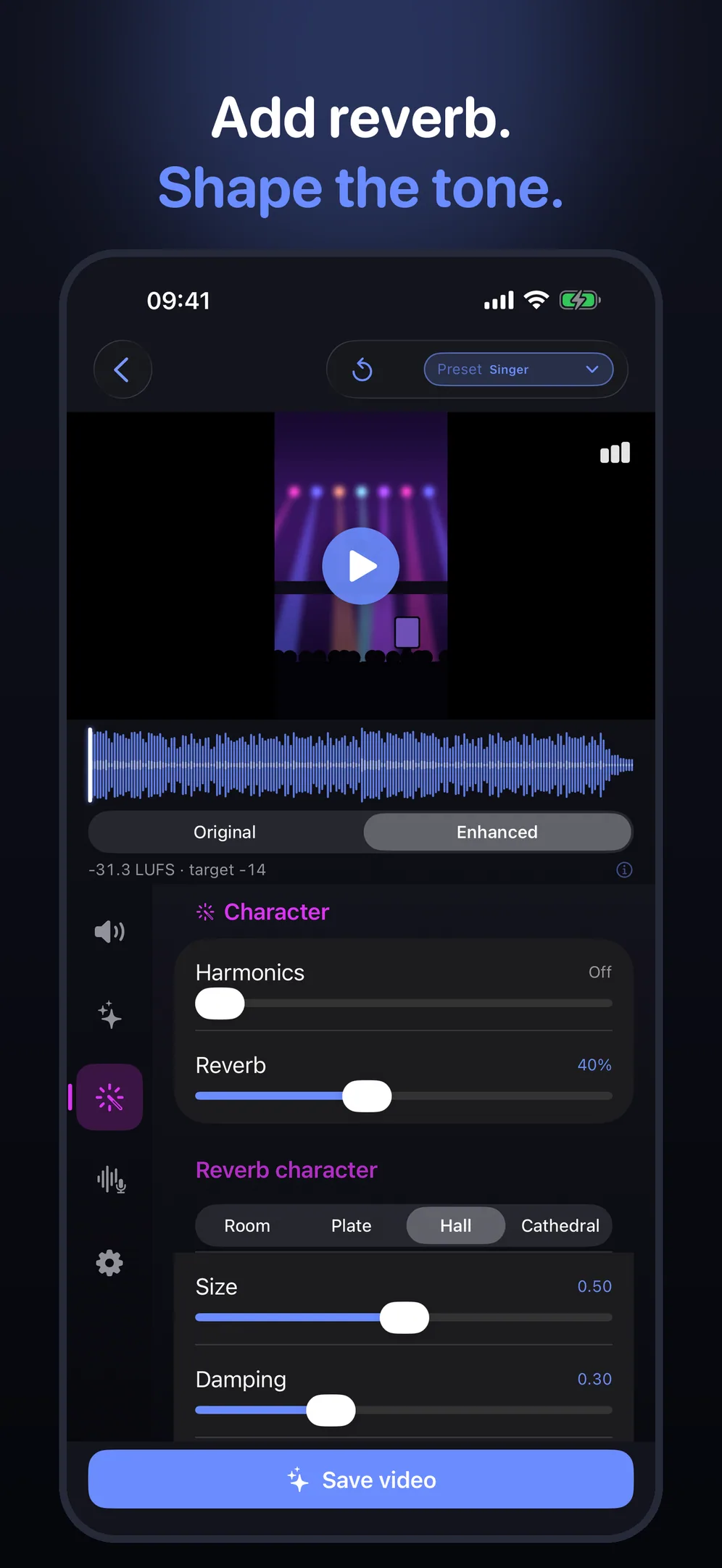
- Reverb. Room, Plate, Hall or Cathedral, with amount, size, damping and pre-delay.
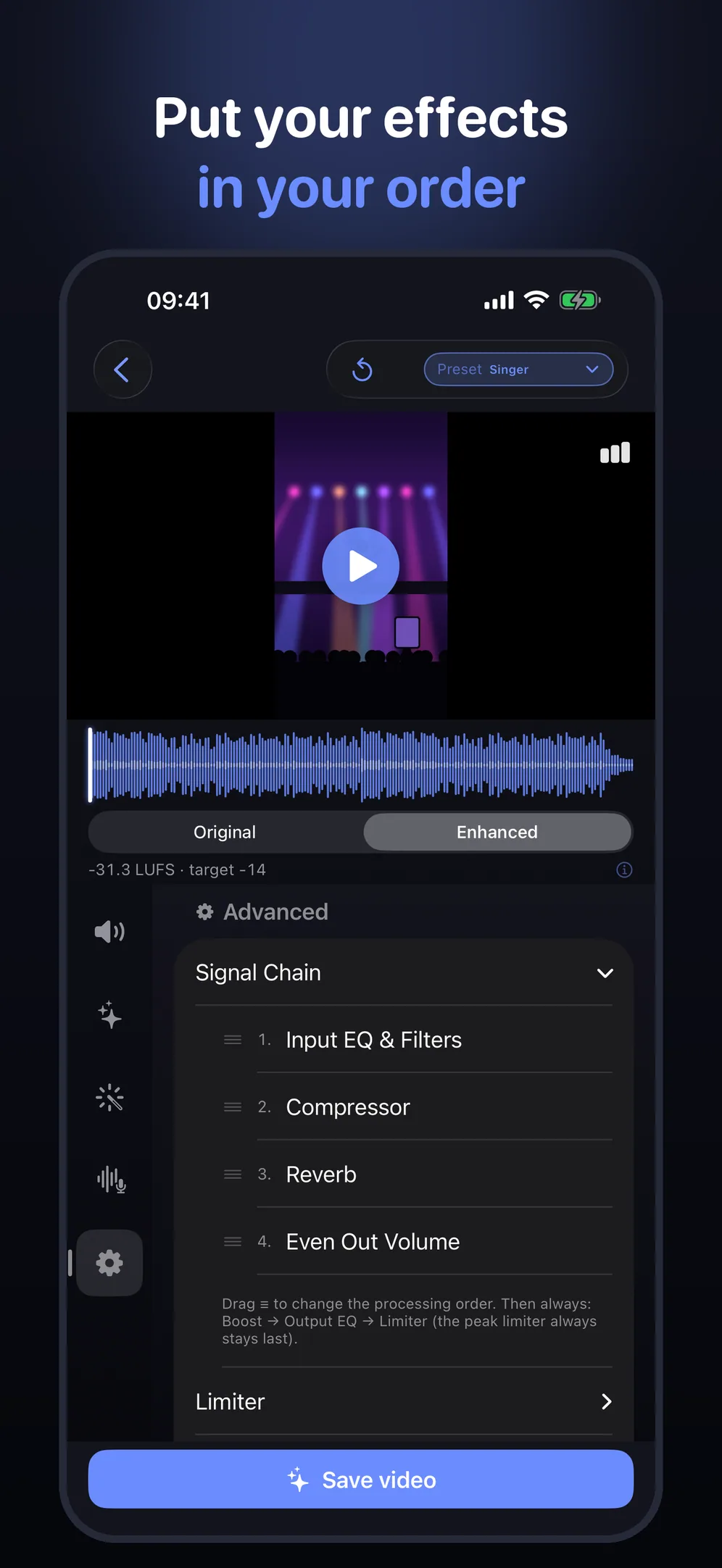
- Your effect order. Drag the EQ, compressor, reverb and Even Out Volume into the order you want. The limiter always stays last.
- A live spectrum. Switch the picture for a spectrum of the sound while it plays, and see where your EQ bands sit.
- Styles for singing. Singer and Stage Voice for cover and performance videos, plus Crisp Voice, Warm Podcast, Concert, Wind Fix and Noise Fix.
How it works
- Pick a video from Photos. TonePeak measures its loudness.
- Choose your sound. Start from a style and a loudness target for where you post, or set each control yourself. Switch between Original and Enhanced as it plays.
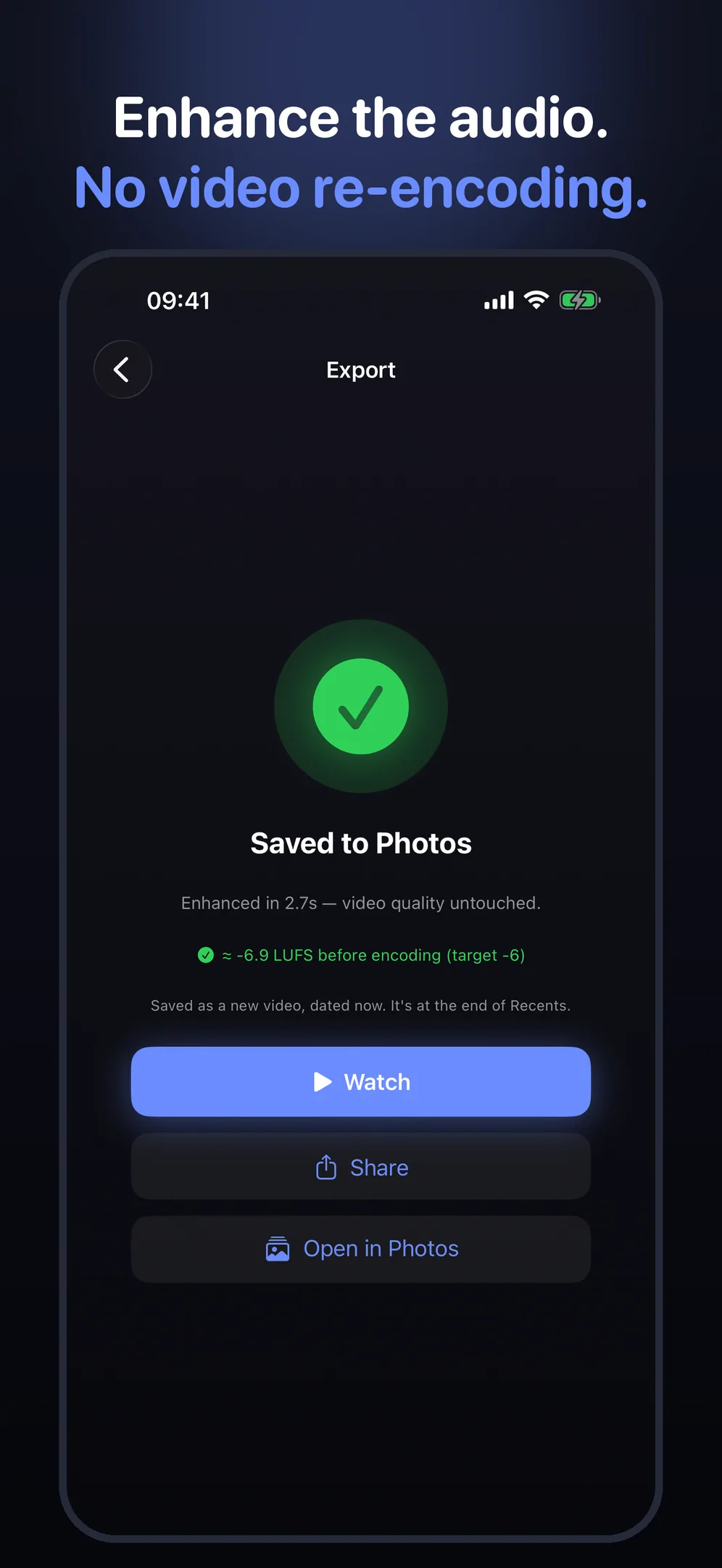
- Save to Photos. TonePeak saves a new copy. Your original stays in your library.
Screens from the app
These are the App Store screens of version 1.0. Loudness targets are settings, and the export measures the result. Results and export times depend on your video and settings.
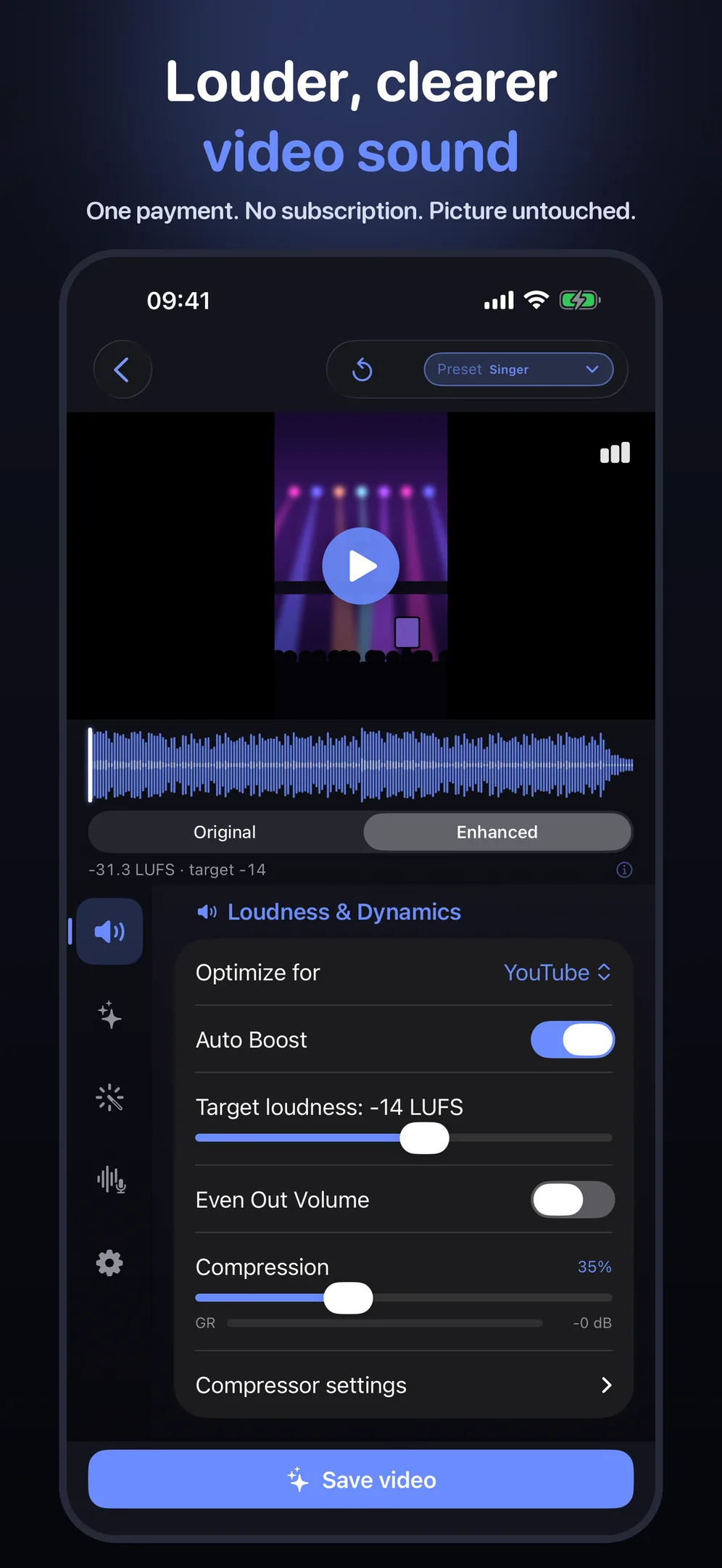
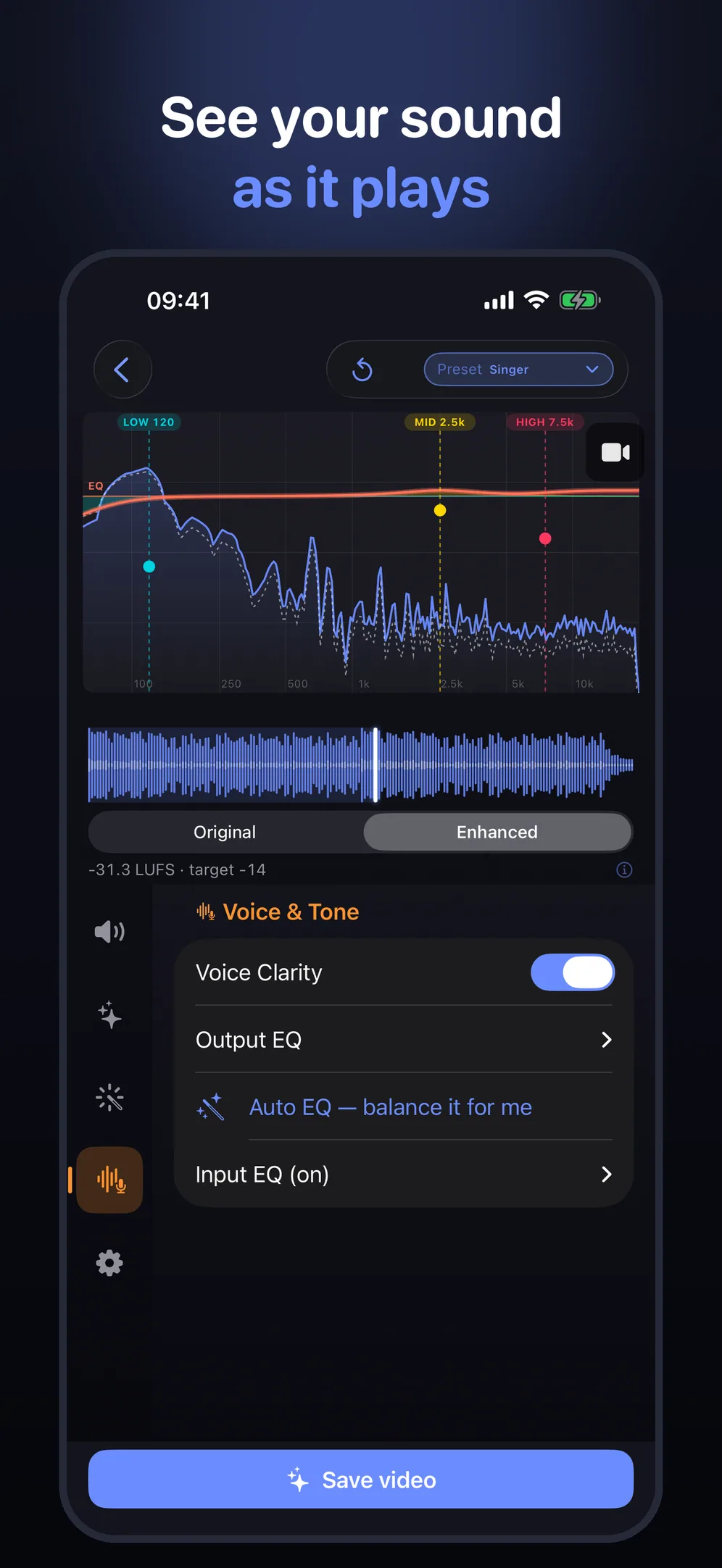
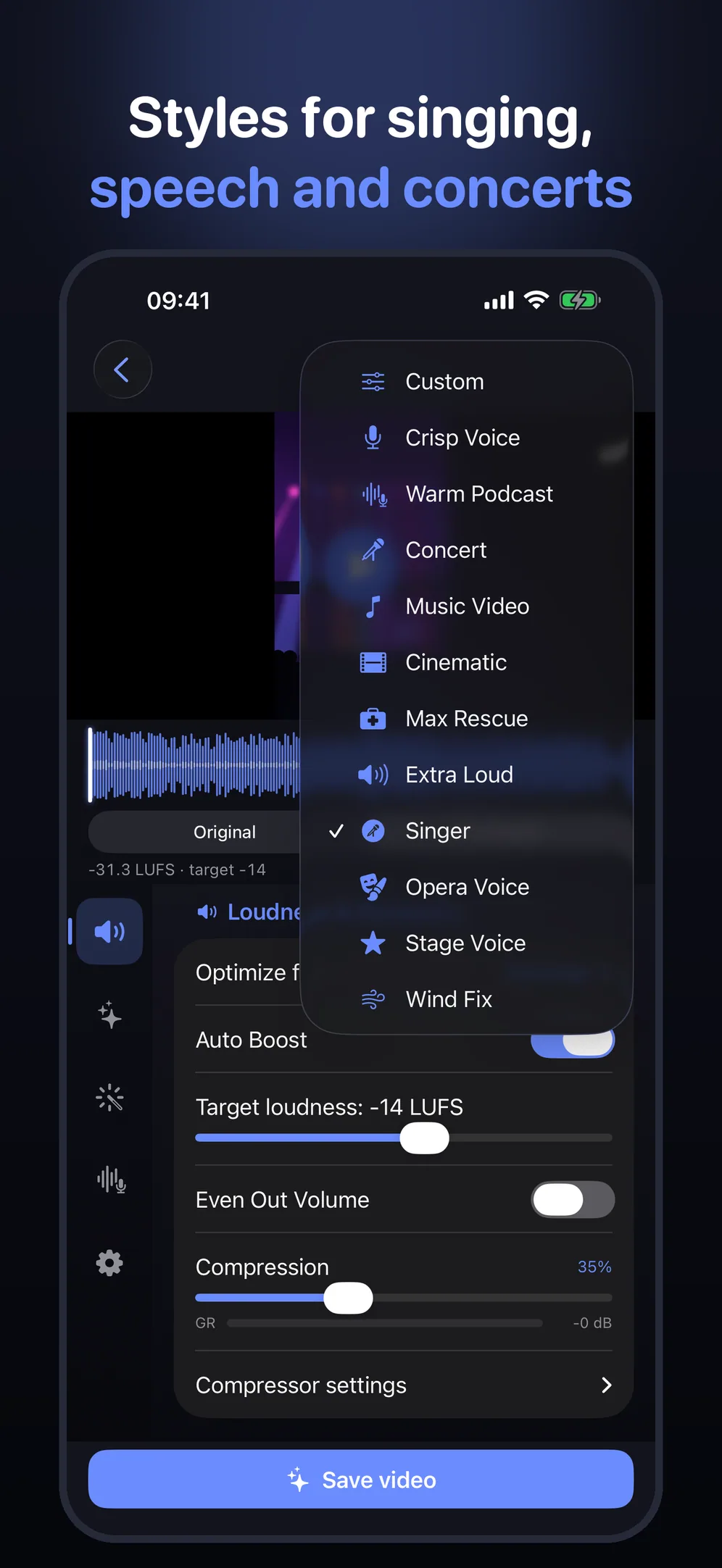
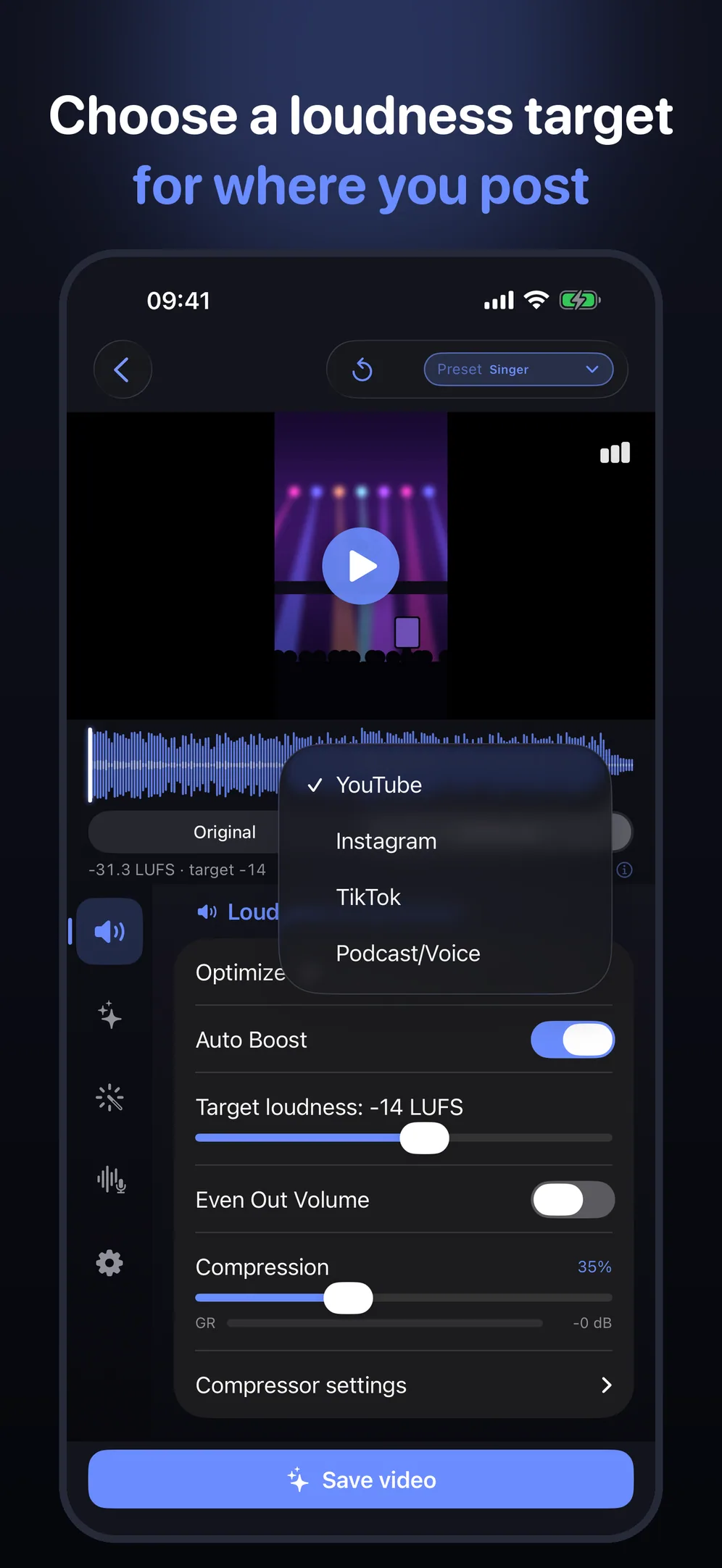
Loudness targets for where you post
TonePeak offers loudness targets for YouTube, Instagram, TikTok and podcast or voice, and you can set your own between −24 and −6 LUFS. A target is a setting, not a guarantee of how a platform will play your upload.
A true-peak limiter controls peaks, including peaks between samples, before the audio is encoded. The default ceiling of −1 dBTP leaves headroom to reduce the risk of clipping. Encoding can still add overshoot.
For singers and musicians
Filmed a cover, a rehearsal or a gig on your iPhone? TonePeak helps a performance video sound louder and clearer without touching the picture.
- Covers and solo singing. Stage Voice and Singer are styles for cover and performance videos. Fine-tune EQ, compression and reverb, and save your own presets.
- Gigs and live shows. Try Concert as a starting point. Even Out Volume brings quiet passages up and loud ones down.
- Posting it. Choose a loudness target for TikTok, Instagram, YouTube and more. The video stream is copied, not re-compressed.
Guides: how to make your singing sound better on video, how to add reverb to a video on iPhone and how to record yourself singing on iPhone.
What TonePeak does not do
- It cannot remove distortion or clipping that is already in the recording.
- It has no pitch correction, and it cannot separate a voice from an instrument.
- It is not a video editor: no trimming, no subtitles, no multi-track editing.
- It works on videos, not audio-only files. It is made for iPhone and needs iOS 17 or later.
- Exports keep the main video and audio tracks. Extra tracks and some metadata may not be carried over, so keep your original if you need them.
Questions and answers
How do I make a quiet iPhone video louder?
Open TonePeak and pick the video from Photos. TonePeak measures its loudness and raises it toward the target you choose, with a limiter that holds peaks under a ceiling. Compare Original and Enhanced, then tap Save video. A new, louder copy is saved to Photos and your original stays as it was.
Does TonePeak re-encode the video or change the picture?
No. Only the audio is processed. The video stream is copied into the new file, not re-compressed, so the picture is the one you shot. Exports keep the main video and audio tracks; extra tracks and some metadata may not be carried over, so keep your original if you need them.
How much does TonePeak cost? Is there a subscription?
There is no subscription. You can download TonePeak, preview as much as you like and export 3 videos before you pay. After that, one in-app purchase of $19.99 (US price; Apple sets the equivalent in other countries) unlocks unlimited exports. You pay once.
Can I add reverb to a video on iPhone?
Yes. TonePeak has a reverb with four types (Room, Plate, Hall and Cathedral) and controls for amount, size, damping and pre-delay. You hear it on your video before you save, and the saved copy keeps the original picture.
Can TonePeak fix the audio of a concert video?
It can help when the sound is quiet or uneven. The Concert style is a starting point, and Even Out Volume brings quiet passages up and loud ones down. It cannot remove distortion or clipping that is already in the recording, which is common when a phone records a very loud show.
Will it make my singing video sound better?
It can make the voice louder and clearer and add space around it. Singer and Stage Voice are styles made for cover and performance videos, and you can adjust EQ, compression and reverb yourself. TonePeak has no pitch correction and cannot separate a voice from an instrument.
Are my videos uploaded anywhere?
No. The processing happens on your iPhone, and TonePeak never uploads your videos. There is no account and no login.
What does TonePeak need, and what does it not do?
TonePeak is made for iPhone and needs iOS 17 or later. It works on videos that are already in your Photos library. It is not a video editor: there is no trimming, no subtitles and no multi-track editing, and it does not open audio-only files.
Guides and comparisons
- How to make a video louder on iPhone
- How to fix concert video audio on iPhone
- Best video volume booster app for iPhone: an honest comparison
- TonePeak vs AudioFix: official comparison
- TonePeak vs ByeNoise: official comparison
Privacy
The processing happens on your iPhone. TonePeak never uploads your videos, and there is no account. Details are in the privacy policy.